
n8n
n8n is optional workflow automation hosted for your workspace. When enabled on your plan, Aysali provides a dedicated n8n URL — an independent n8n instance you open from the tenant portal to build automations (for example, forwarding WhatsApp webhooks or sending scheduled messages).
Before you start
- n8n must be enabled on your subscription (Billing).
- Your n8n service subscription must be active.
After you subscribe — what to do
- •
Confirm the service is active
Open Billing in the portal and confirm n8n is enabled and its subscription is active.
- •
Open n8n from the portal
- Sign in to your workspace portal.
- Click n8n automation in the sidebar.
- On the Status tab, find your n8n URL.
- Click Open n8n (or copy the URL and open it in a new tab).
- •
Create a separate n8n account
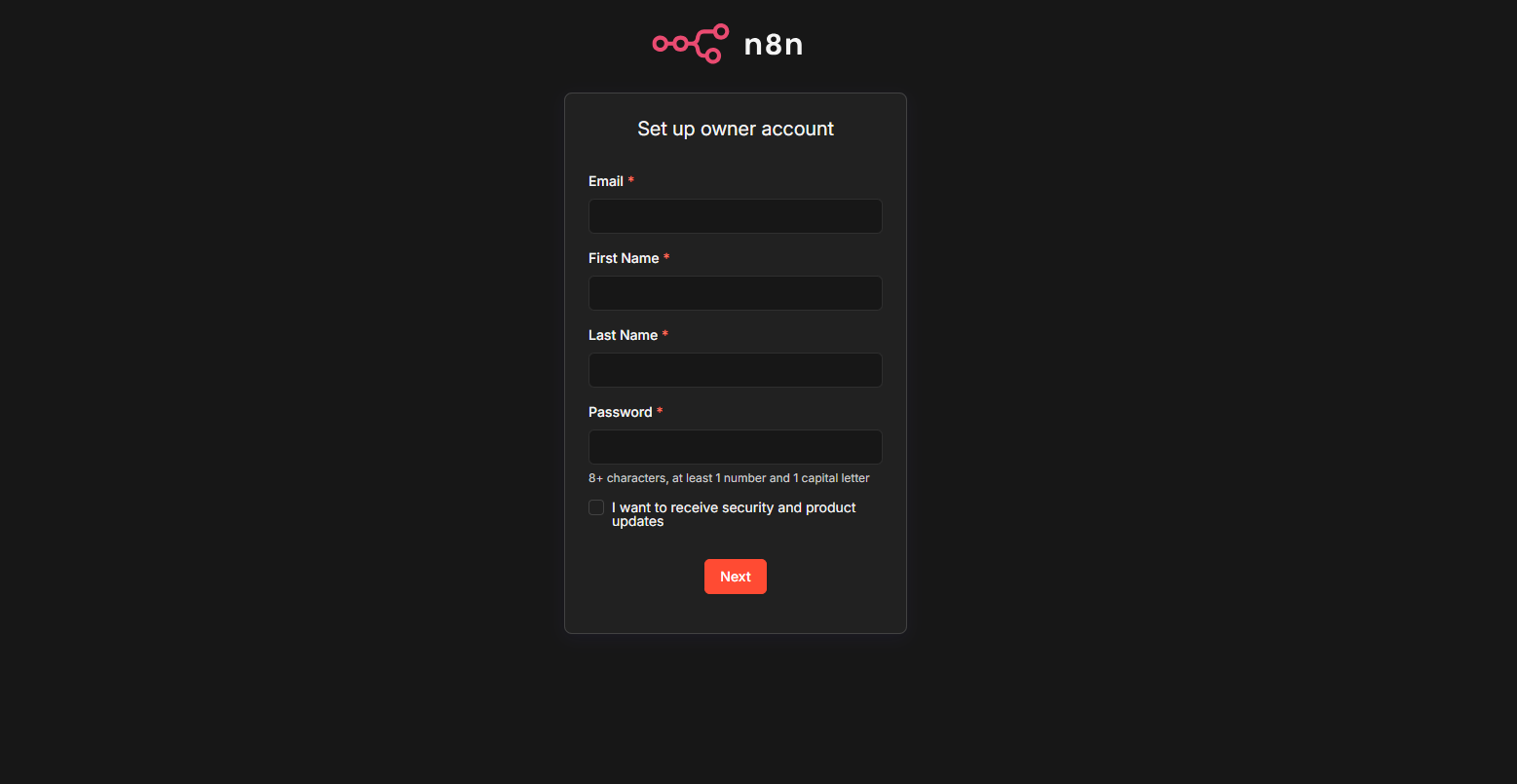
On your first visit to the n8n UI, create a new n8n account (email and password) — this is not your Aysali portal login. Save these credentials; you will use them on every later visit to the same n8n URL.
- •
Start building workflows
After signing in to n8n, create workflows from the n8n UI. To connect WhatsApp, use the API URL and API key from WhatsApp → Status in HTTP nodes.
Portal tabs
| Tab | Purpose |
|---|---|
| Status | Process health (uptime, CPU, memory), copy/open n8n URL |
| Manager | Import/export workflows and credentials, PM2 controls (advanced) |
Most daily work happens in the n8n web UI, not in the Manager tab.
Example workflows
For example: receive a WhatsApp webhook in a Webhook node, schedule outbound messages with HTTP Request and your WhatsApp API, or connect an external CRM. See Webhooks overview and the WhatsApp API tab in this docs site.
Service not available?
If n8n is not on your plan, the page shows an add service upsell. Submit a service add-on request or enable n8n during renewal from Billing.
Troubleshooting
| Issue | What to try |
|---|---|
| n8n URL does not load | Confirm subscription is active; wait after provisioning |
| Forgot n8n password | Use Forgot password in the n8n UI (your separate n8n account) |
| Workflow cannot reach WhatsApp API | Use workspace API URL (not aysali.com); include Bearer token |
| Process down | Check Status tab; use Manager restart or contact support |
Related
For developers
WhatsApp HTTP endpoints used inside n8n are documented under the WhatsApp API tab: